Step-by-Step Guide
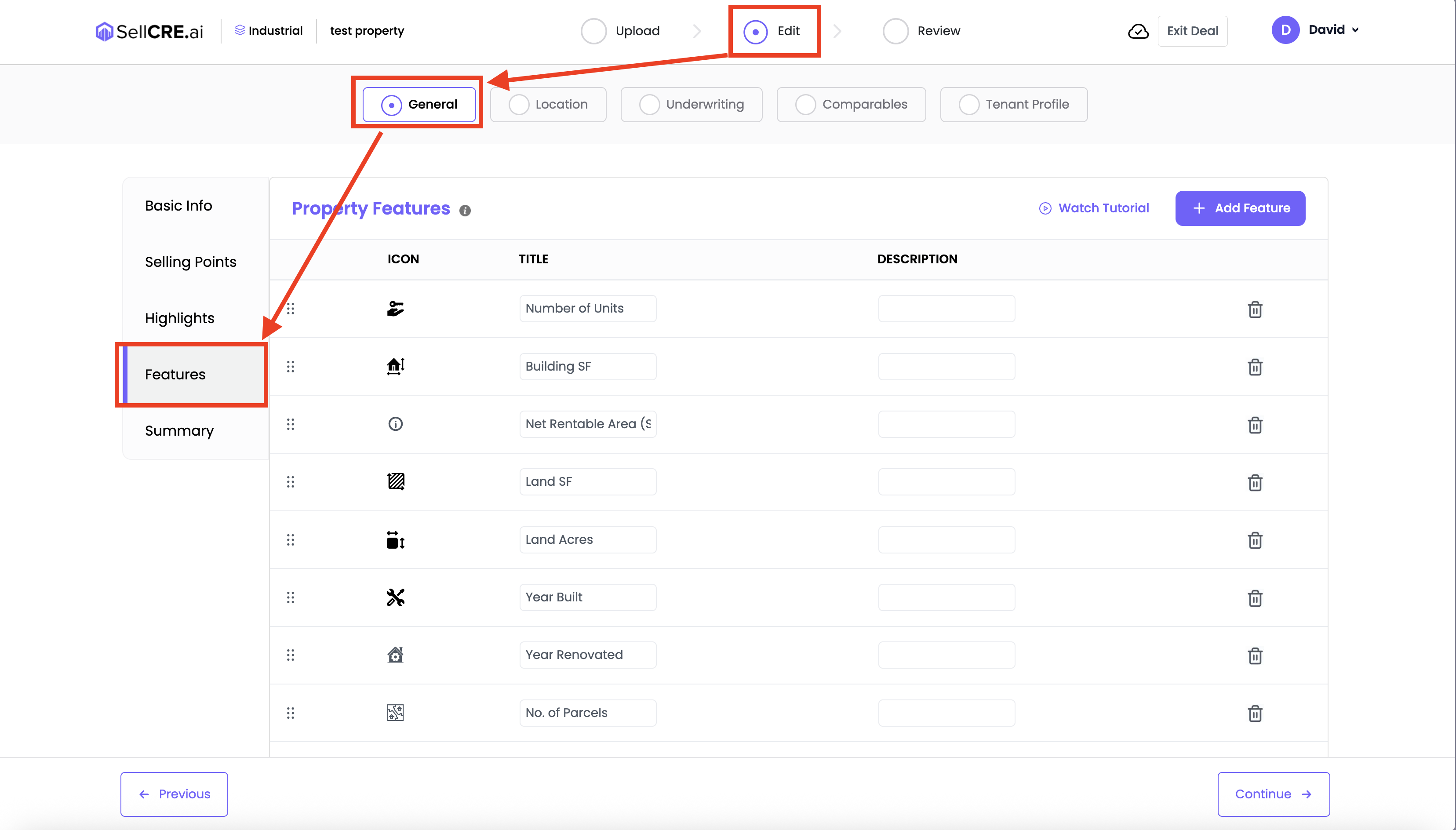
Go to the Property Features section in your property form
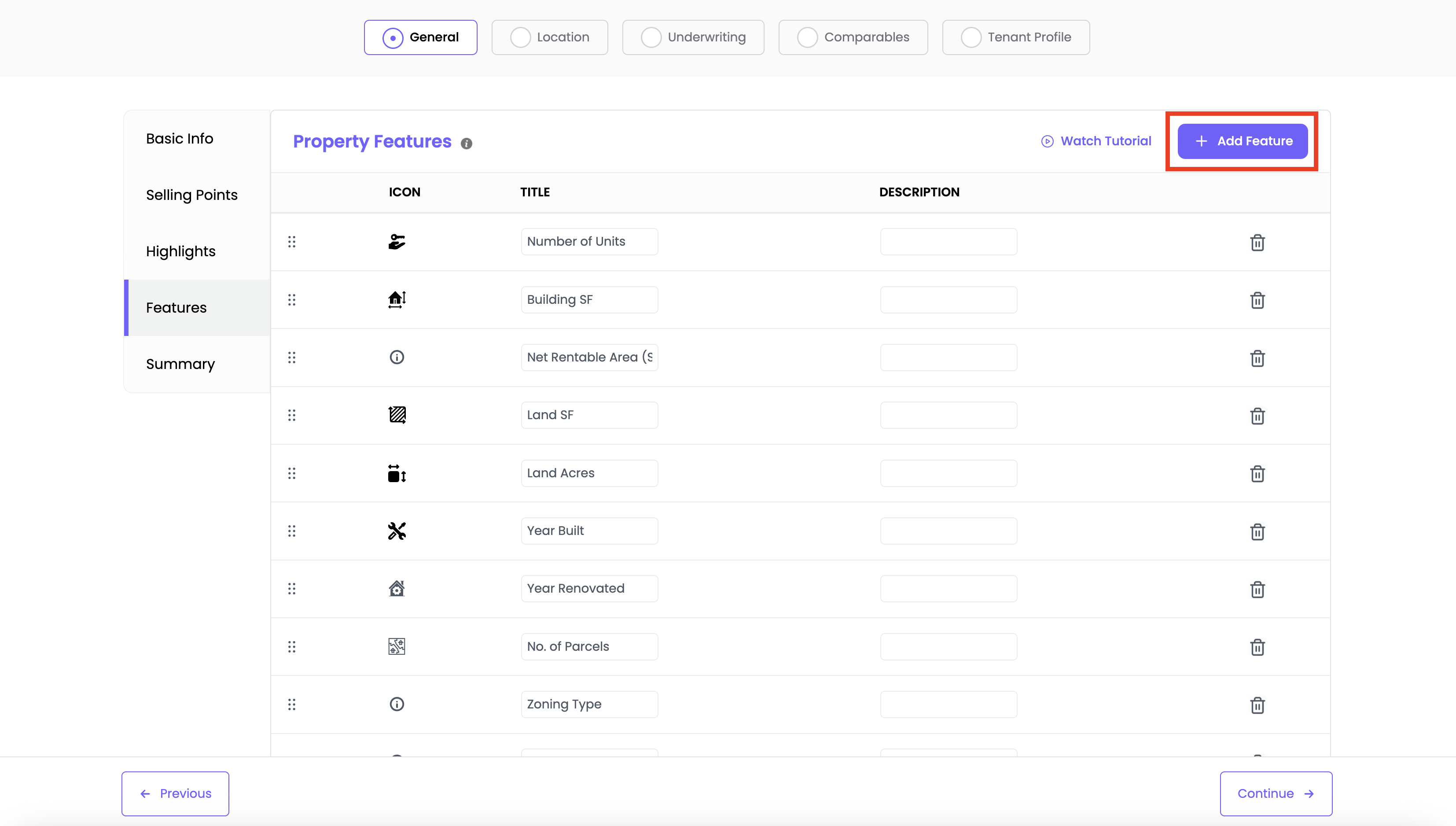
Click the “Add Feature” button
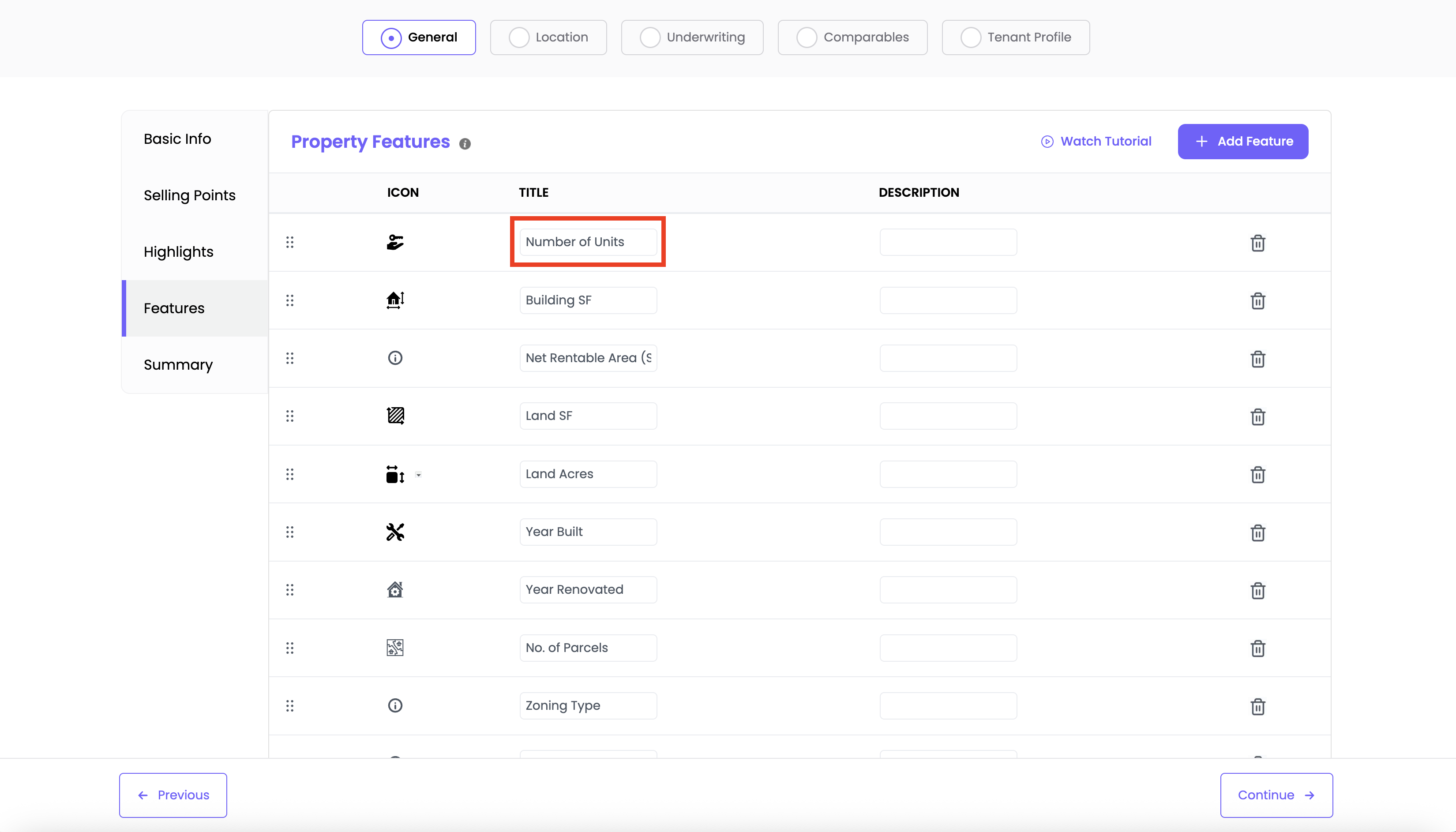
Enter a Feature Title
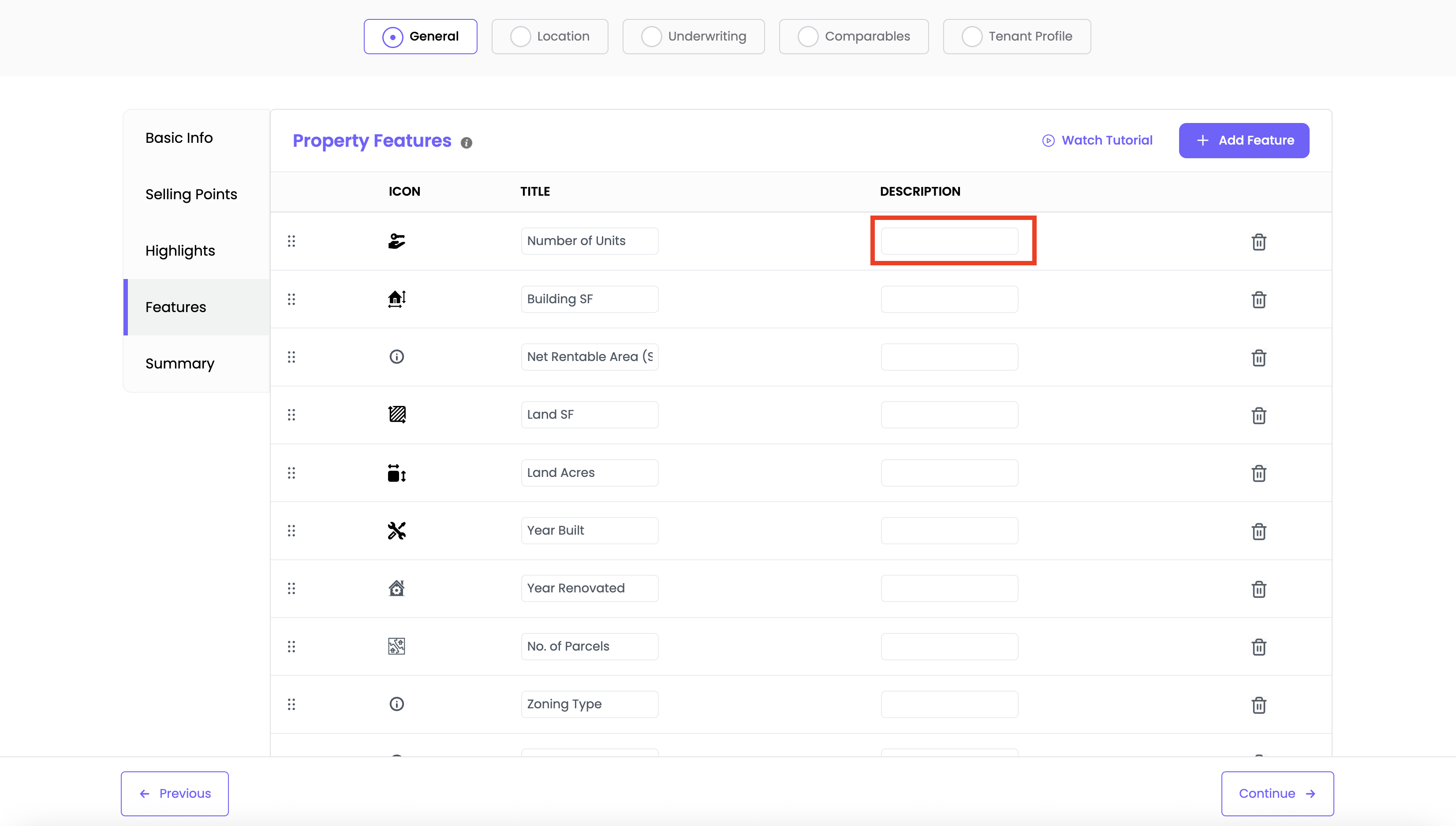
Add a short description
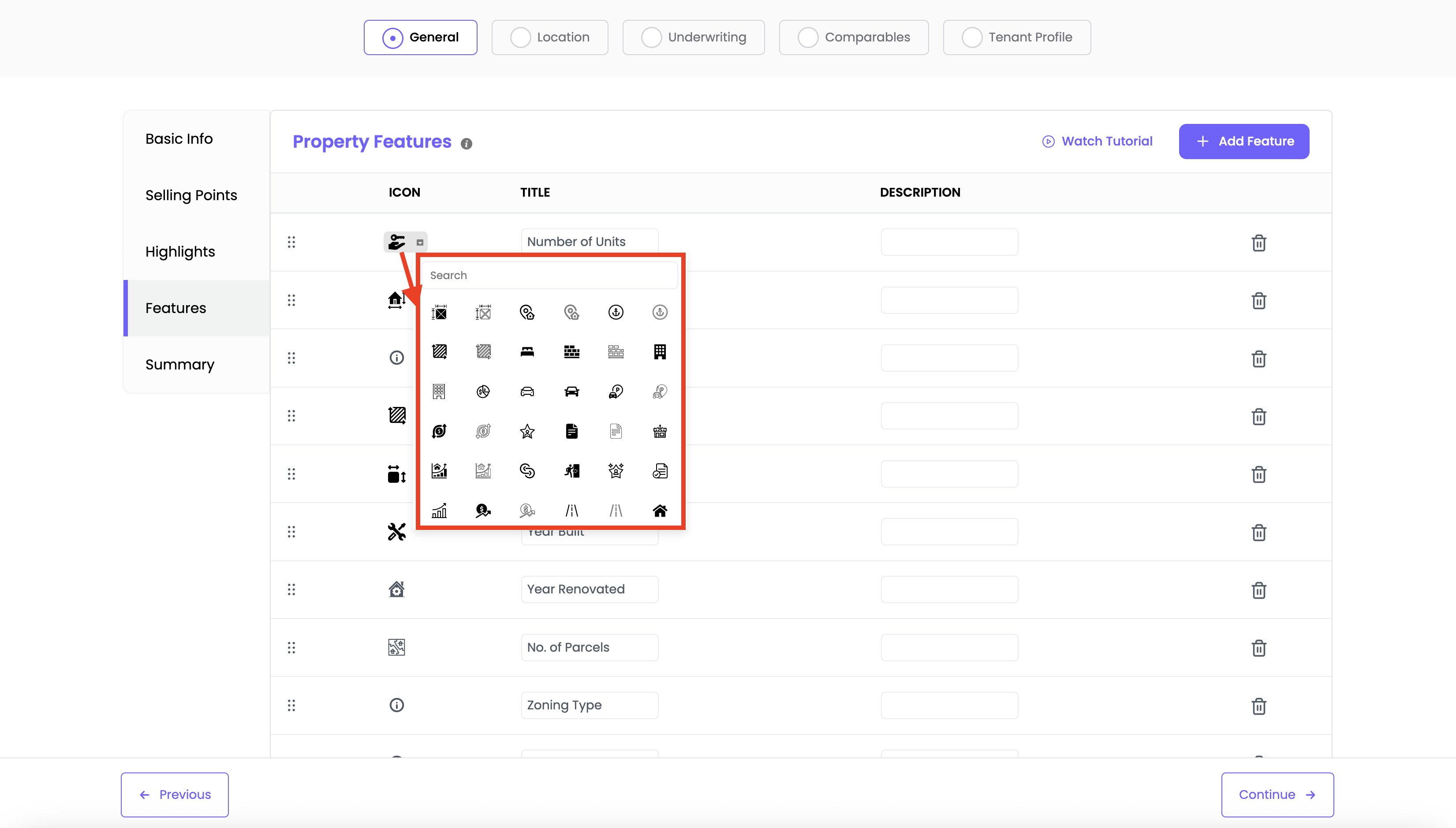
Choose an icon from the icon dropdown to visually represent the feature
To reorder features, drag and drop them into your desired order
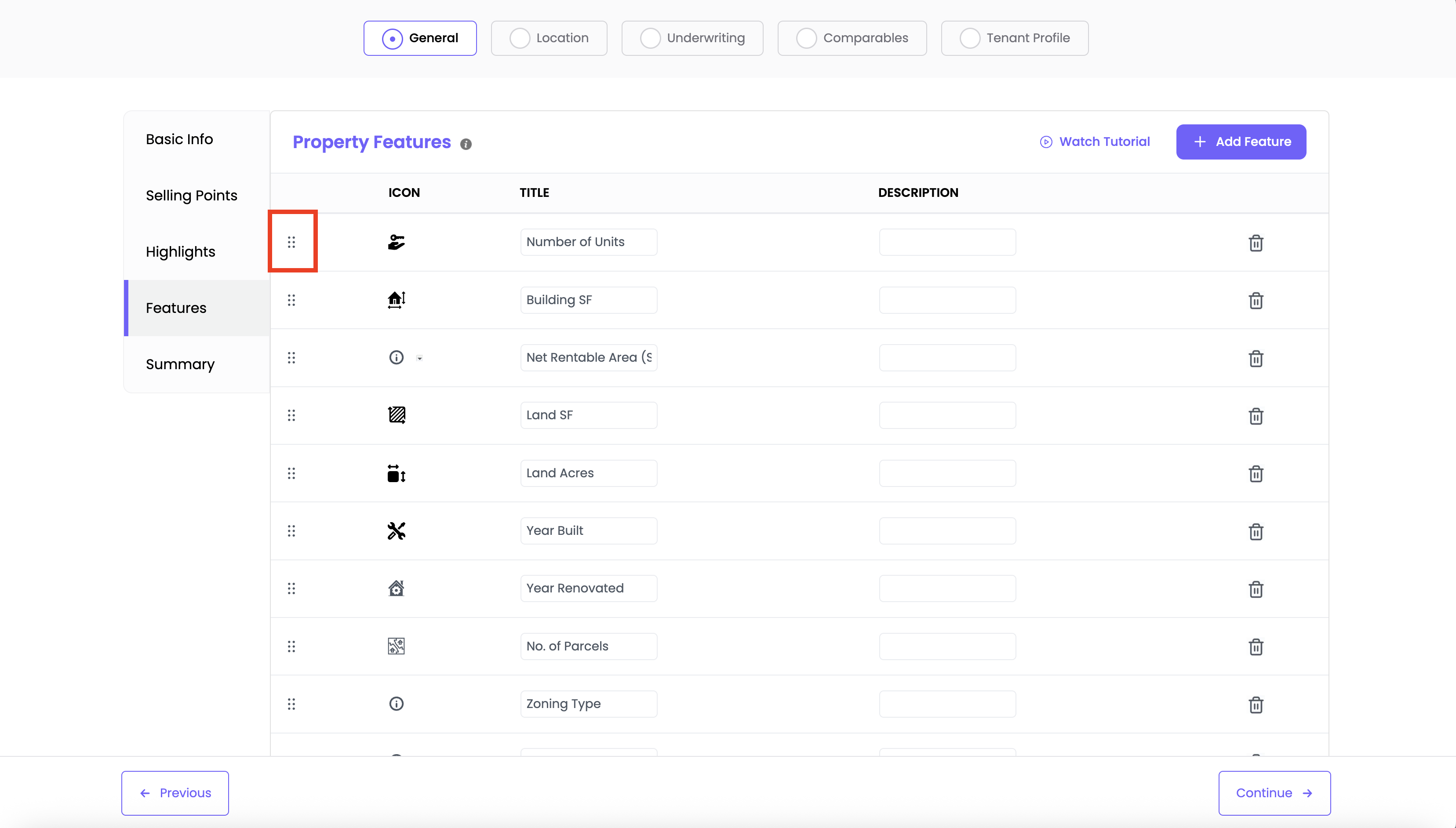
? The order you choose is how they’ll appear in your final Offering Memorandum
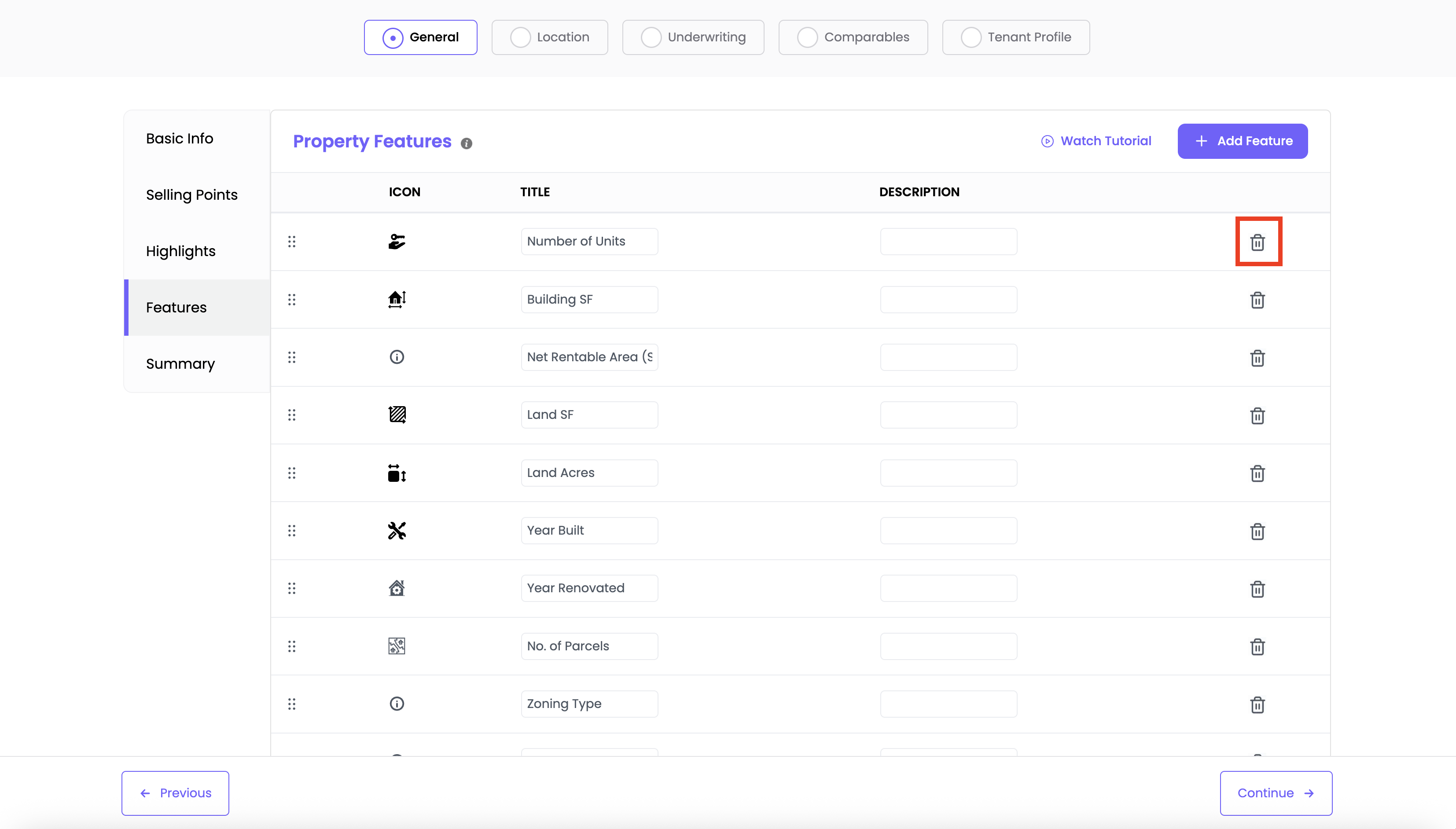
To delete a feature, click the trash icon next to it
✅ Use this section to highlight specifics like parking, square footage, building structure, or any notable specs investors should know.
Was this article helpful?
That’s Great!
Thank you for your feedback
Sorry! We couldn't be helpful
Thank you for your feedback
Feedback sent
We appreciate your effort and will try to fix the article